Your First Project
Create an animated social media graphic in 5 minutes!
What We’ll Create
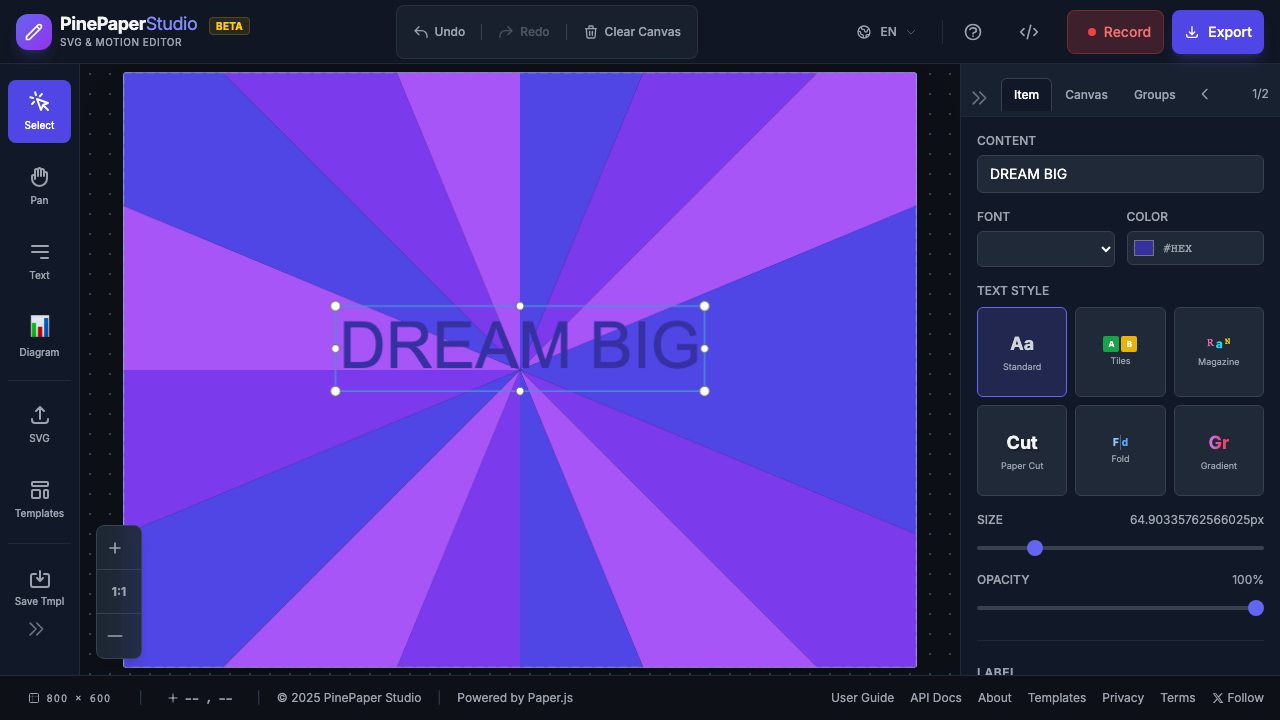
Step 1: Set Canvas Size
- Click the canvas size dropdown in the footer
- Select Instagram Post (1080×1080)
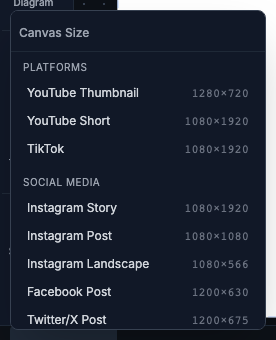
Step 2: Add a Background
- Click the Scene tab in the right panel
- Click Generate Background
- Select Sunburst from the generator list
- Adjust colors if desired
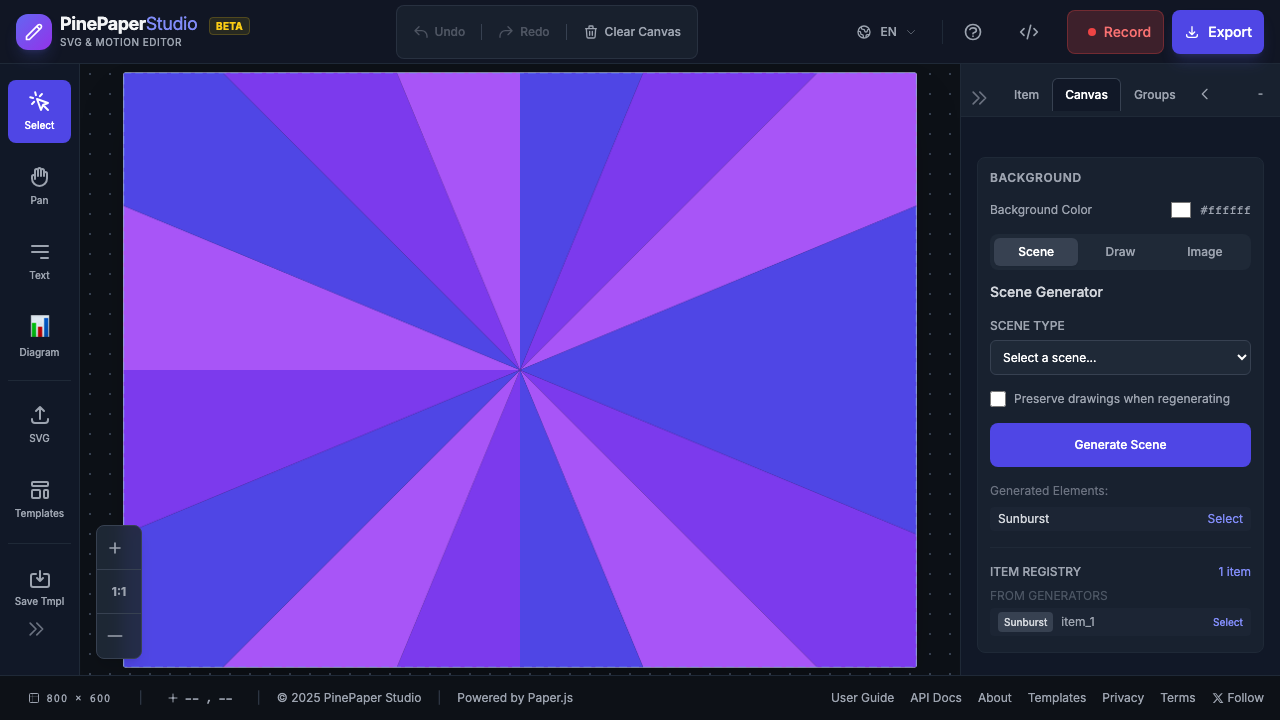
Step 3: Add Text
- Press T or click the Text Tool
- Click on the canvas where you want your text
- Type your message (e.g., “DREAM BIG”)
- Adjust font size in the properties panel
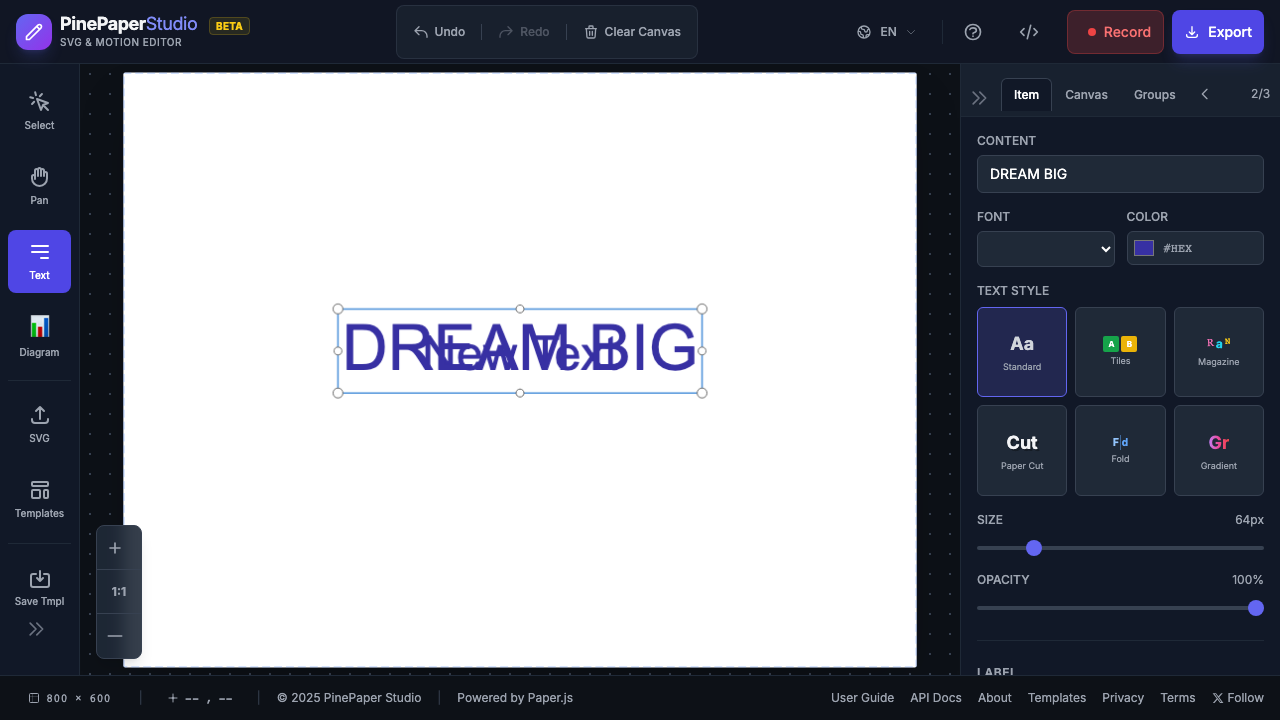
Step 4: Apply Animation
- Select your text (click on it or press V and click)
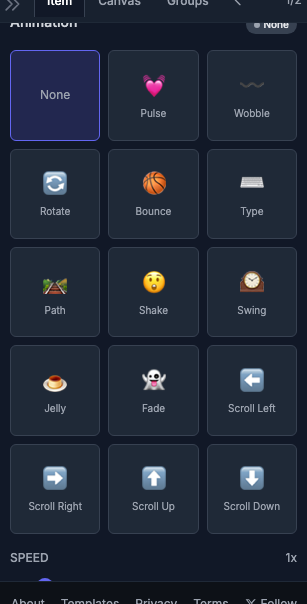
- In the Properties panel, find Animation
- Select Pulse from the dropdown
- Adjust speed if desired
Step 5: Preview
Click the Play button in the timeline or press Space to preview your animation.
Step 6: Export
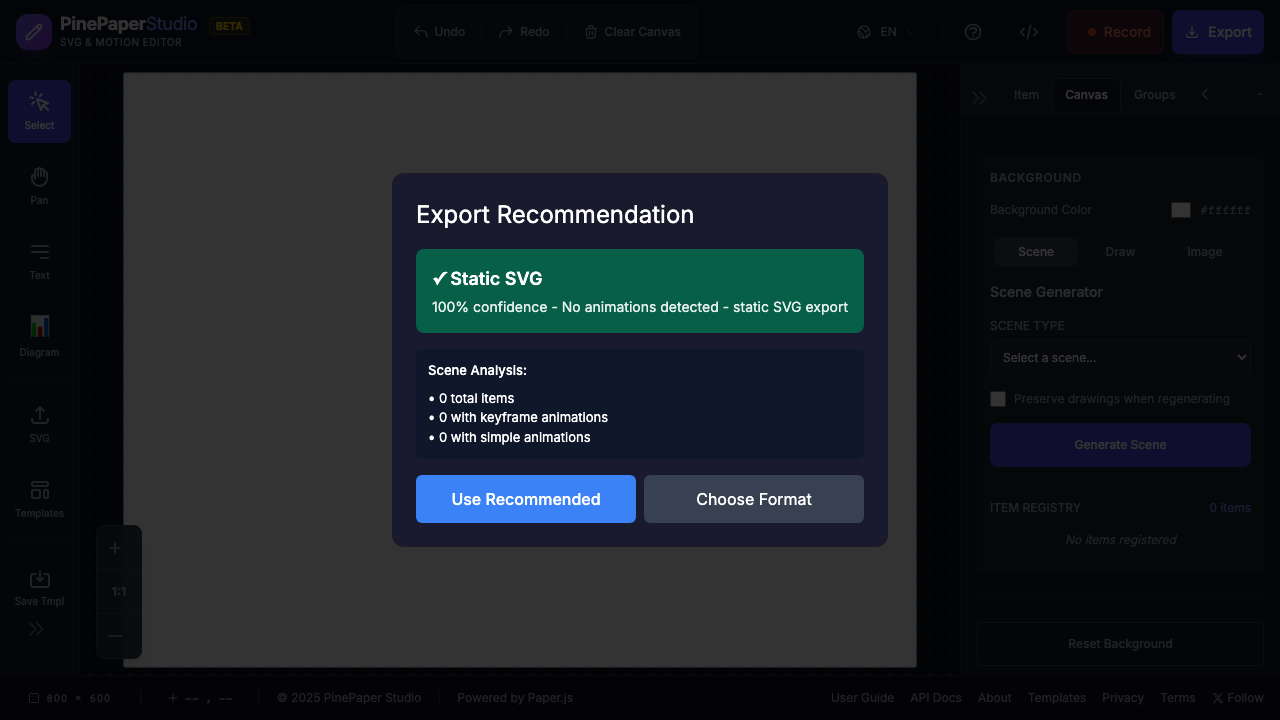
- Click Export in the header
- Choose your format:
- MP4 — Best for Instagram, TikTok, Facebook
- GIF — Best for Twitter, Discord, Slack
- SVG — Best for web embedding
- Click Export and wait for processing
- Your file downloads automatically!
Congratulations!
You’ve created your first animated graphic with PinePaper!
Next Steps
- Add Effects — Sparkle trails and more
- Use Keyframes — Create complex animations
- More Tutorials — Step-by-step guides